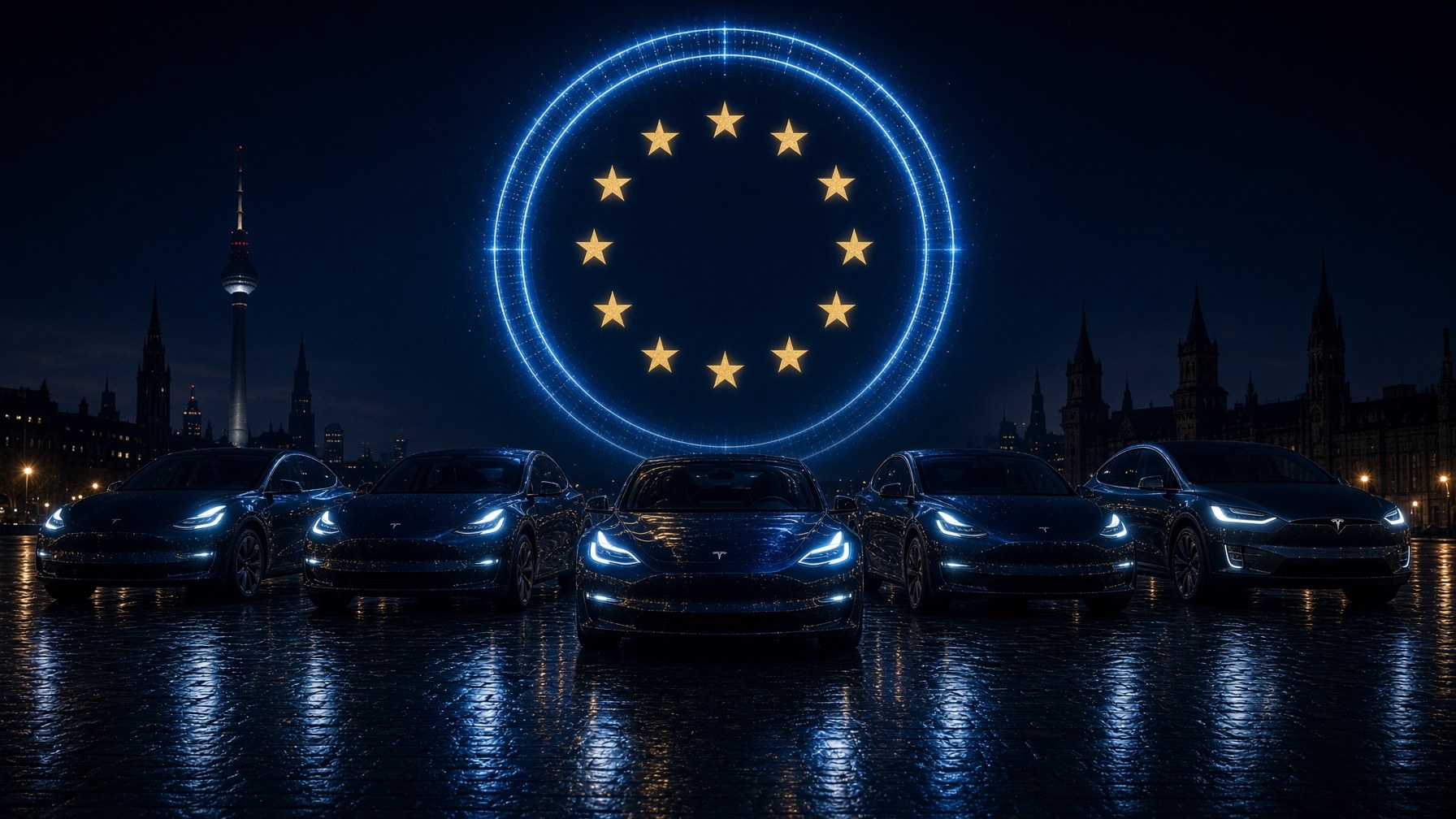
Tesla Model S, 3, X and Y on a wet European plaza under a circle of gold EU stars.

Tesla Light Show

Europe

Vote yes for FSD

Tesla Owners Slovenia is compiling footage from every European country before the December 2026 committee vote. Download the show, film in landscape, and paste a cloud link to the raw clip by 18 October 2026, 23:59 CEST.

Upload window

5 recordings from 5 countries so far.

The continent

Who has filmed

Slovenia starts green. Every other country turns green on its own when someone sends a cloud link — you do not have to colour the map. Red countries are still open.

Europe recording coverageAlbaniaAndorraAustriaBelarusBelgiumBosnia and HerzegovinaBulgariaCroatiaCyprusCzechiaDenmarkEstoniaFinlandFranceGermanyGreeceHungaryIcelandIrelandItalyKosovoLatviaLiechtensteinLithuaniaLuxembourgMaltaMoldovaMonacoMontenegroNetherlandsNorth MacedoniaNorwayPolandPortugalRomaniaSan MarinoSerbiaSlovakiaSloveniaSpainSwedenSwitzerlandUkraineUnited KingdomVatican City

Coverage

5/45

European countries with footage

Green — Slovenia, or a clip received

Red — still needed

Show files

Download the pack for your car

Each yellow button downloads one USB-ready ZIP: a LightShow folder with the sequence (.fseq) and the music (.mp3). Copy that folder to the root of an exFAT or FAT32 stick.

Vote Yes for FSD

The show audio. Same .mp3 ships with every pack.

S3XY

Models S, 3, X, Y

For Model S, Model 3, Model X, and Model Y (pre-Juniper). The ZIP is a LightShow folder you copy to the root of a USB stick.

USB-ready ZIP
Juniper

Model Y Juniper

For the newer Model Y with the front LED light bar (Juniper). Use this pack so the light strip is part of the choreography.

USB-ready ZIP

Cybertruck

Cybertruck

For Cybertruck, including the front and rear light bars. Do not use the S3XY sequence on a Cybertruck.

USB-ready ZIP

In the car

USB, Toybox, and the time delay for a formation

USB

Load the files onto a USB drive

  1. 01

    Format the drive

    Use exFAT or FAT32 (MS-DOS FAT on a Mac). NTFS will not work. Do not put a TeslaCam folder, maps, or firmware on this stick.
  2. 02

    Create a LightShow folder

    At the root of the drive, create a folder named exactly LightShow — that spelling, that capital L and S. No spaces, no extra words.
  3. 03

    Copy both files, names matching

    Place FSD Light Show.fseq and FSD Light Show.mp3 inside that folder. The names must match. The USB-ready ZIP already has this layout: copy the LightShow folder to the root of the stick.
  4. 04

    Plug it in

    Insert the drive into a front USB-C port or the glovebox USB. Wait a few seconds for the car to read it.

Toybox

Start the light show in the car

  1. 01

    Park and close the car

    The vehicle must be in Park with doors, trunk, and frunk closed unless your sequence opens them.
  2. 02

    Open Light Show

    On the touchscreen: App Launcher (the three dots) → Toybox → Light Show. You can also start, stop, or schedule from the Tesla app.
  3. 03

    Select the custom show

    If the USB is valid, the popup title reads Custom Light Show and FSD Light Show appears in the list. A title that only says “Light Show” means the folder or format is wrong — go back to the USB steps.
  4. 04

    Schedule, do not tap Now for a formation

    Tap Schedule Show. For a single car you may start immediately. For more than one car, schedule a time a few minutes ahead so every vehicle can be set.

Audio is 44.1 kHz in this pack. Do not re-encode the MP3 at 48 kHz or the lights will drift off the music.

Formation

Set the time offset so every car starts together

Tesla keeps a multi-car show in lockstep with a shared start time — not with a Bluetooth link. Every car plays the same track from its own USB. The scheduled clock is the delay.

  1. 01

    Line up first

    Park in formation, cameras ready, engines in Park. Leave two to three metres between cars unless you have a tighter plan. Agree who is counting.
  2. 02

    Load the show on every car

    Confirm Custom Light Show is listed on each screen before you watch the clock.
  3. 03

    Pick one start time

    Choose a time 3–5 minutes ahead (Tesla lets you schedule up to 10 minutes out). Example: 20:00:00. Write it down. All vehicles use network time, so the clocks already match.
  4. 04

    Schedule that exact time on every car

    Toybox → Light Show → select FSD Light Show → Schedule Show → set the same hour, minute, and second. That scheduled wait is the time delay. Do not start anyone with “Now”.
  5. 05

    If one car is consistently late

    That is the offset. Schedule the late car one second earlier, or the early car one second later, and test once. A one-second slip is visible in a formation; do not “catch up” by tapping start.
  6. 06

    Stay out of the cars

    Once scheduled, leave the vehicles in Park with doors closed. Start filming a few seconds before the clock hits.

Some software versions show a countdown (“starts in 5:00”) instead of a clock. Start that countdown on every car at the same moment and pick the same remaining time.

The Tesla app can also schedule the show. Use it when one person is setting several cars on the same account; mixed owners should still match the in-car clock.

How to film

Landscape, full take, drone or ground

One car or a group. Club member or not. We want as many countries and cities as possible — including the United Kingdom, Switzerland, and every country that follows UNECE rules.

Horizontal only

Film in landscape. Portrait clips cannot be used in the montage.

Highest resolution

Use the best camera you have. 4K is ideal; 1080p is fine. Keep the cars in frame.

Ground or drone

Either is welcome. A single car counts. A formation counts. An iconic location is a bonus, not a requirement.

Full and unedited

Share the raw take of the whole show via a cloud link. No cuts, no music overlay, no colour grade — we will edit the continent together.

Submit

Send the link

Country and city are required so the montage can be mapped. Name is optional. Paste a WeTransfer, Google Drive, YouTube, or similar link to the full unedited clip. Deadline 18 October 2026, 23:59 CEST.

Submissions closed

The window closed on 18 October 2026, 23:59 CEST. Tesla Owners Slovenia is compiling the montage for the December vote. Thank you to everyone who filmed.